Access Your Development Environment
You will use Visual Studio Code (VS Code) based on Red Hat OpenShift Dev Spaces. Changes to files are auto-saved every few seconds, so you don’t need to explicitly save changes.
-
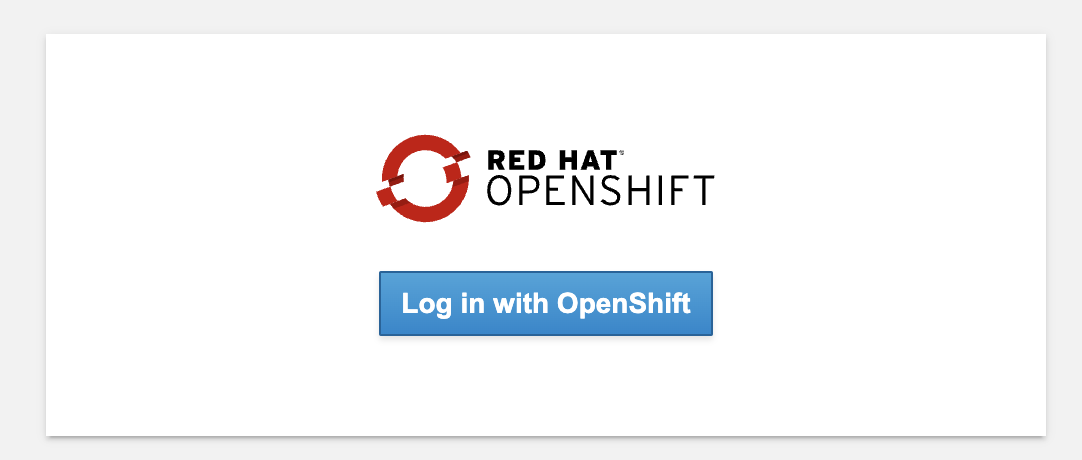
Navigate to access the Red Hat OpenShift Dev Spaces instance and select Log in with OpenShift button:
-
When prompted, login using your IBMid
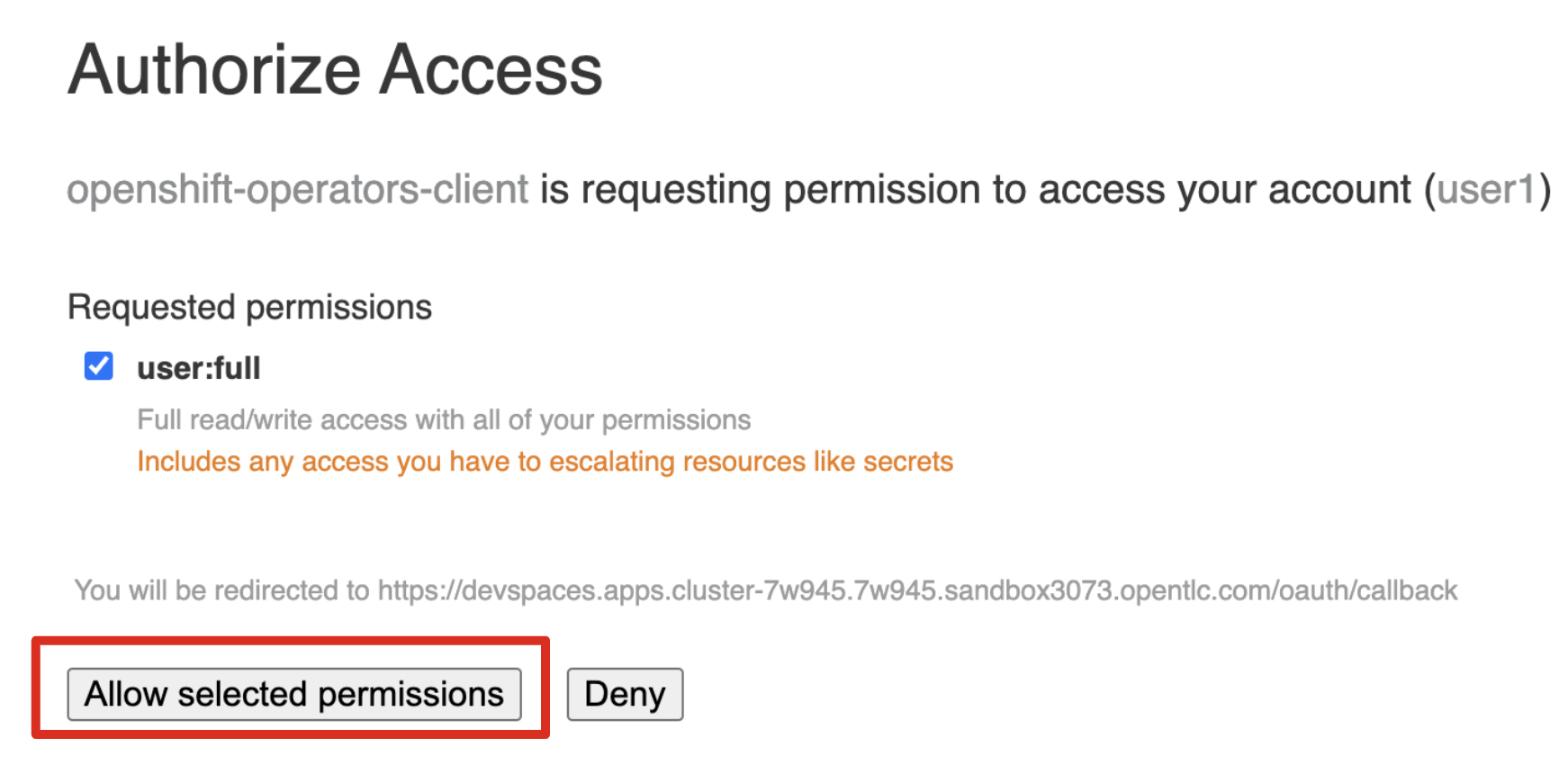
In case you see the Authorize Access page as below, select Allow selected permissions button.
-
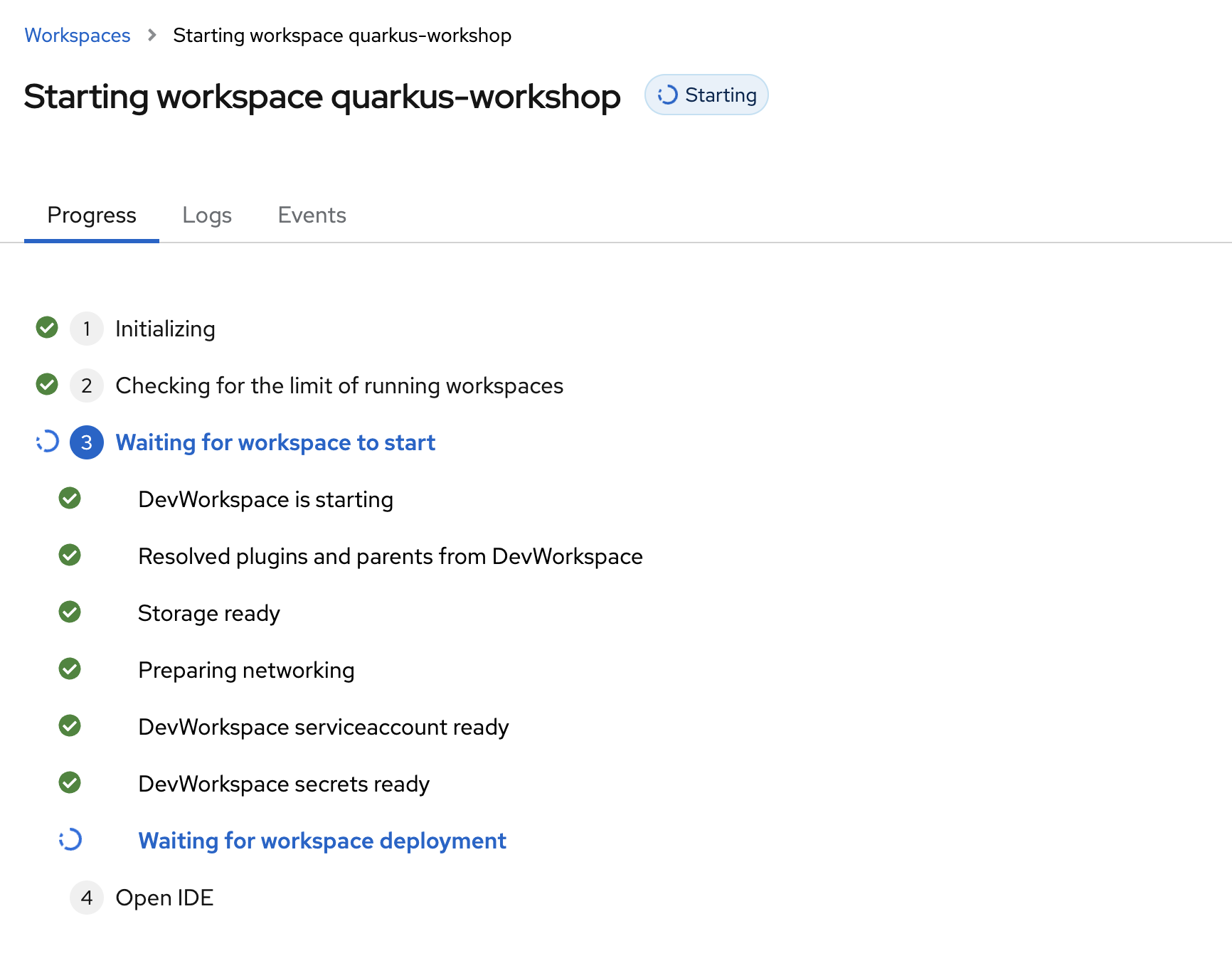
The next page will display progress as devspaces is Starting workspace quarkus-workshop. It takes about 60 seconds to finish the process.
-
When prompted with Do you trust the authors of this repository? popup, select
Do not ask again for other repositoriesto continue using your workspace.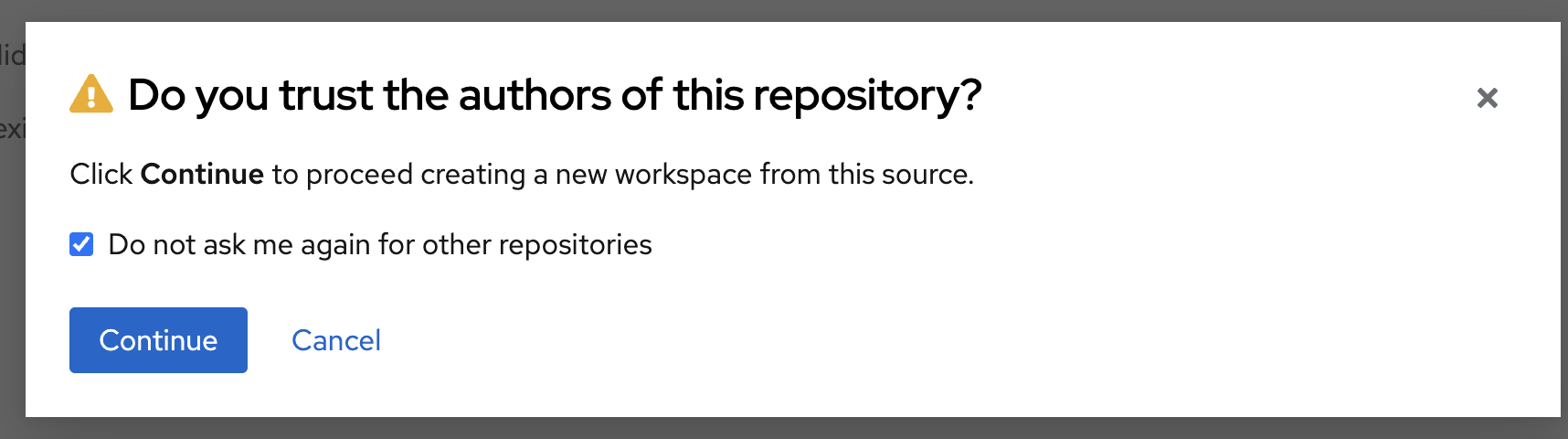
-
If prompted with this popup, choose
Start your workspaceto access your workspace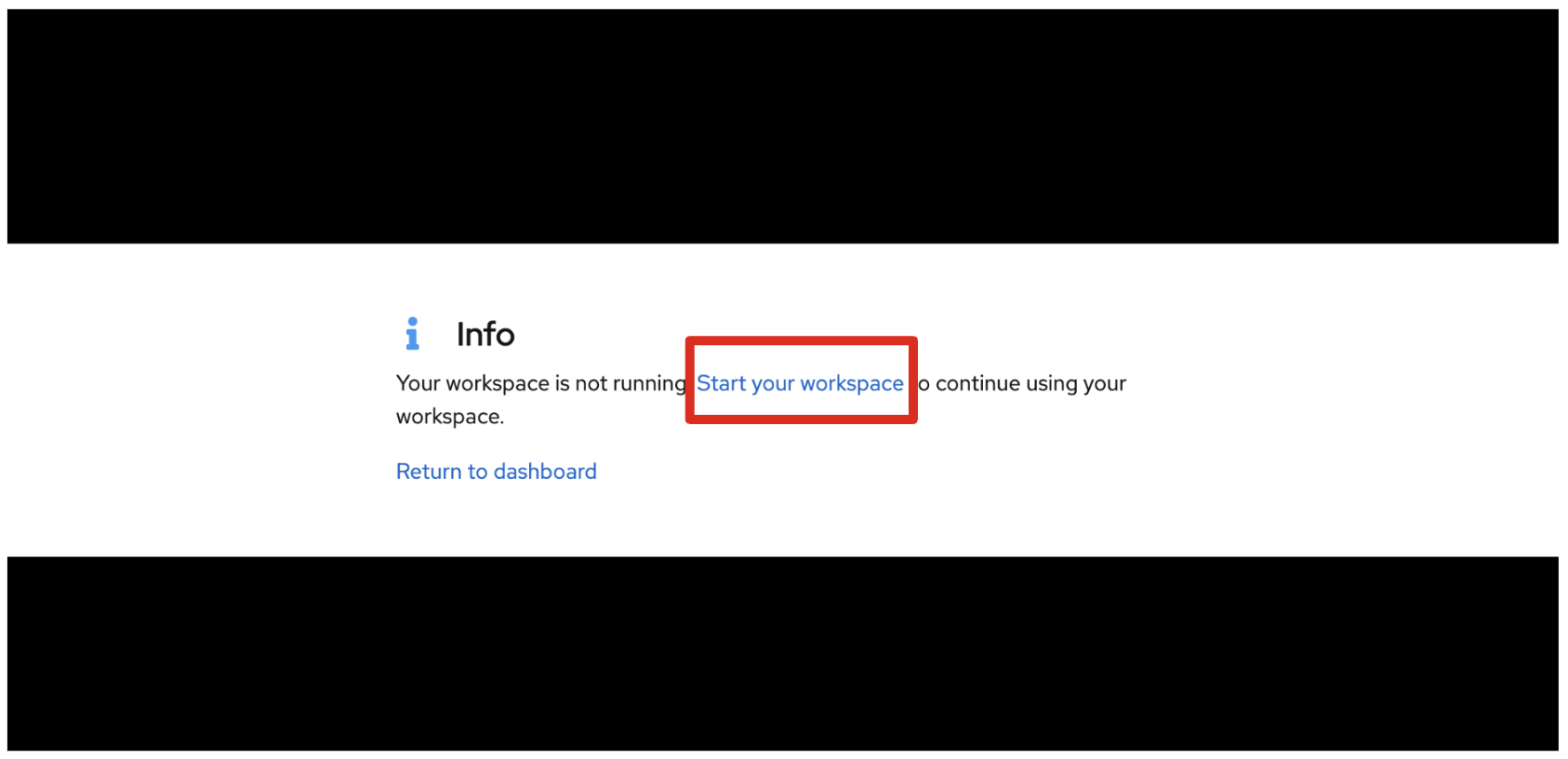
-
In a few seconds, you’ll be placed in the workspace.
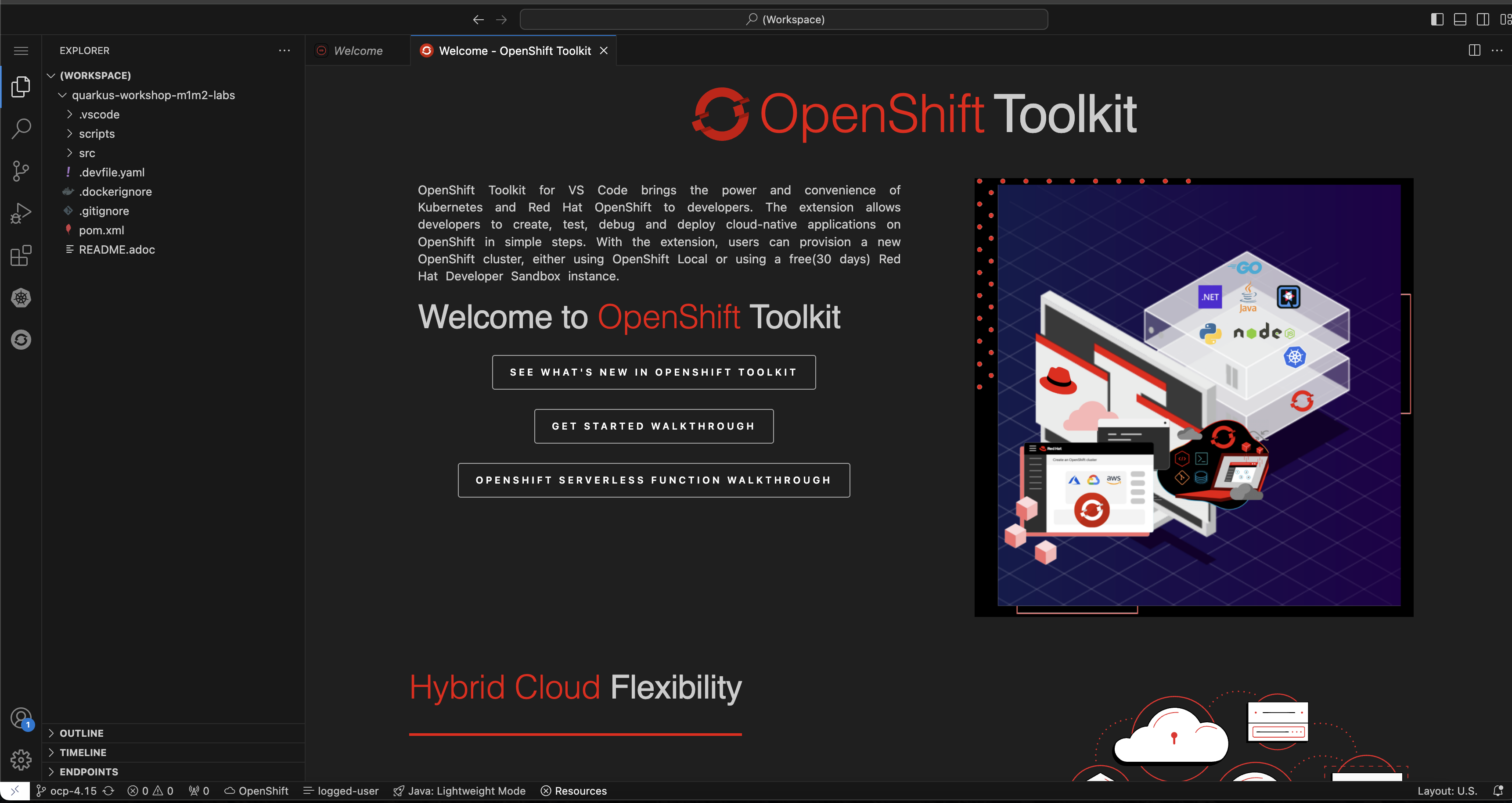
-
Click on
Trust Publishers & Installwhen prompted.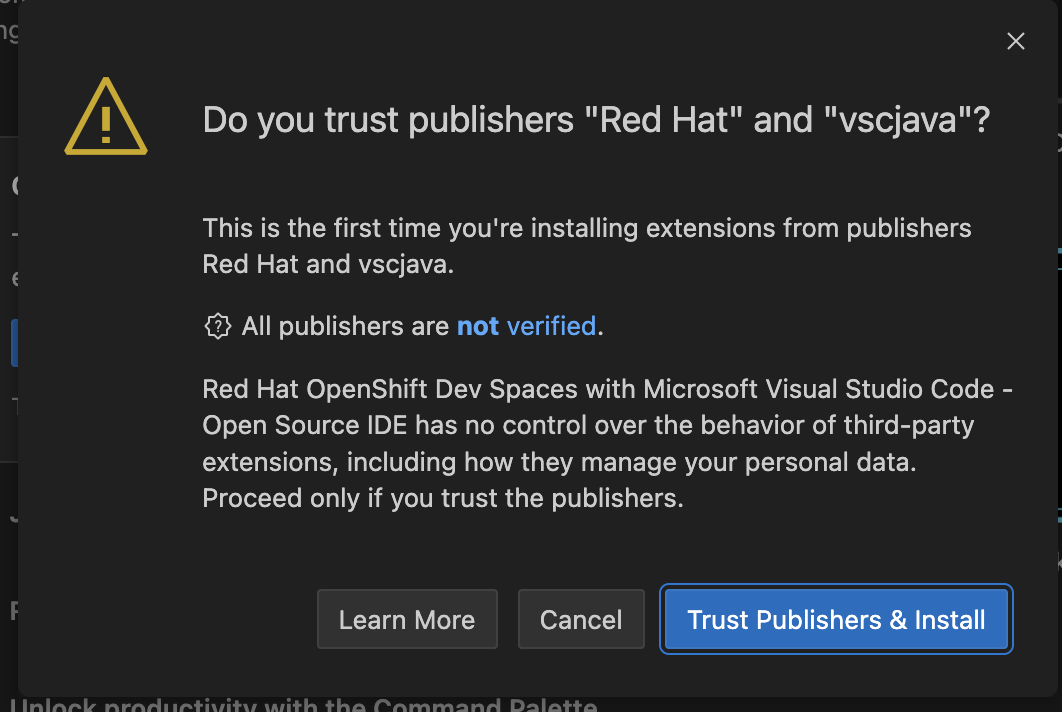
-
And also click on
Yes, I trust the authorsas indicated below.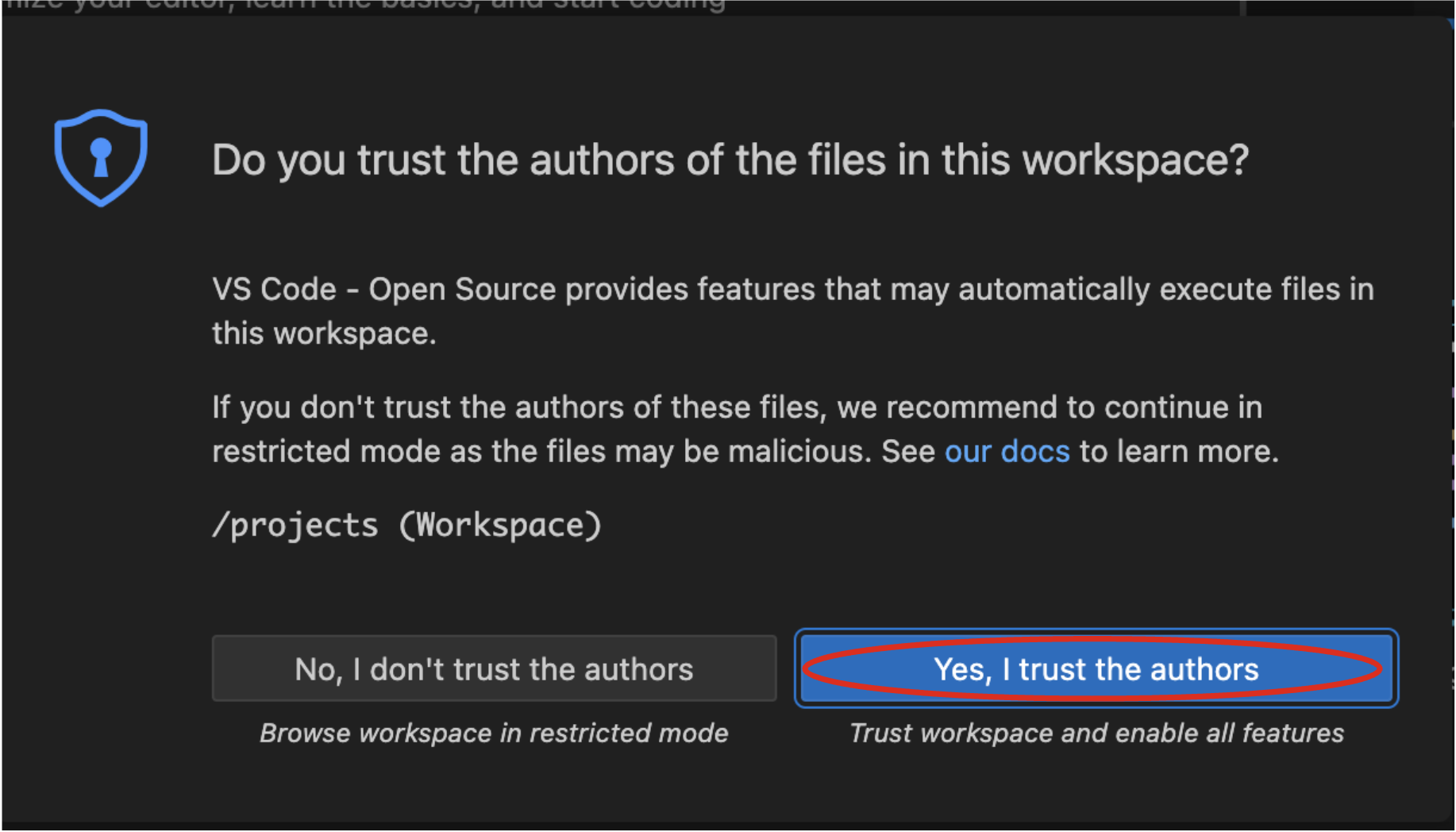
-
-
Keep this browser tab open throughout the course of this workshop.
If things get weird, you can simply reload the browser tab to refresh the view.
Ready? Let’s go!